
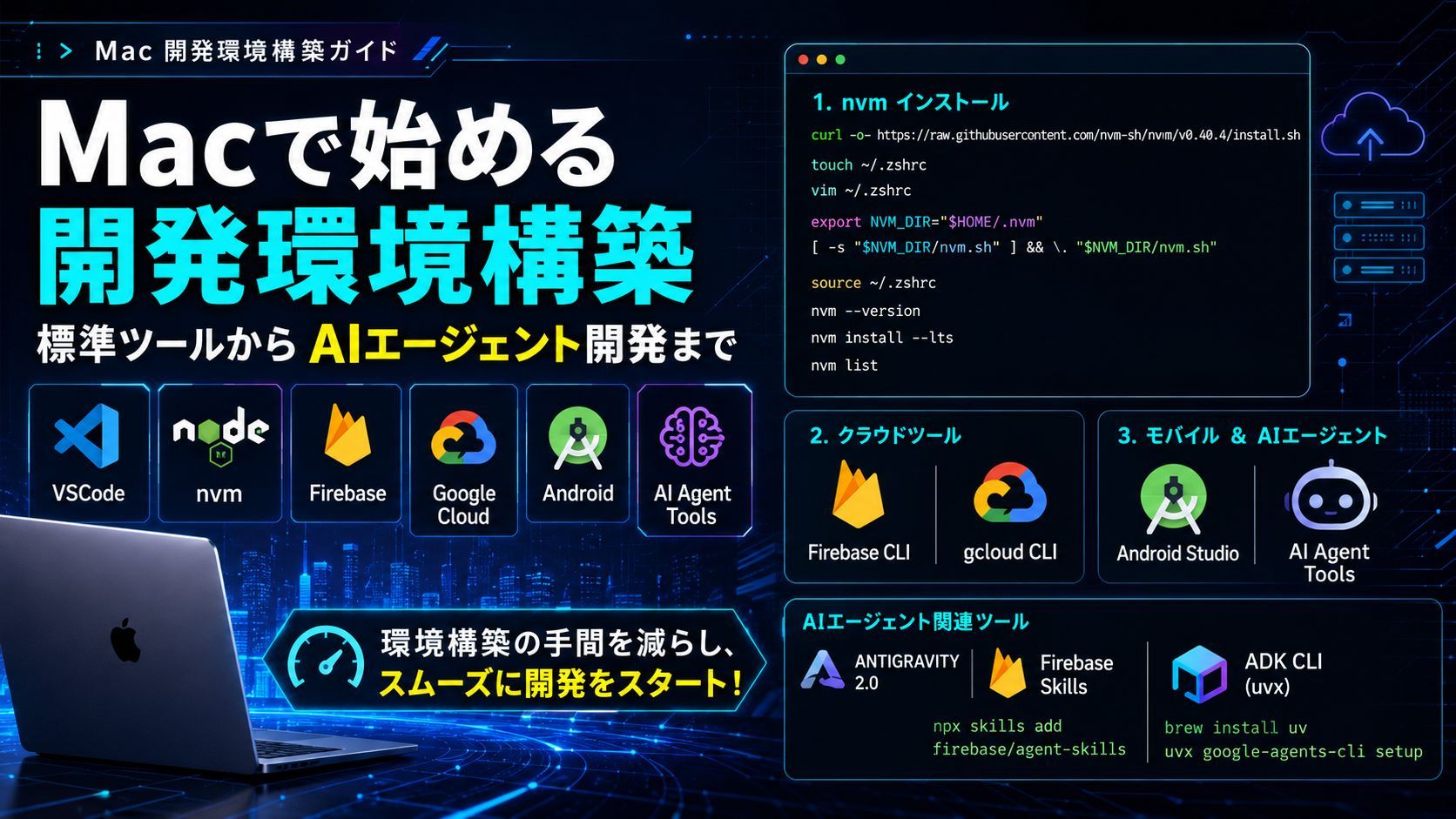
Mac Development Environment Setup Guide: A Summary of Steps for nvm, GCP, and AI Agent Tools
This is a comprehensive guide covering the procedures for setting up a development environment on Mac. It explains Node.js management via VSCode and nvm, Firebase and Google Cloud CLI setup, as well as the installation of Android Studio and the latest AI agent development tools (such as Antigravity 2.0 and ADK CLI). This guide brings together concrete commands and configuration steps to help you kickstart an efficient development workflow, from cloud integration to AI utilization.

Setting up a new development environment is a crucial step that directly impacts project productivity. In this article, we have organized the installation procedures for everything you need on Mac, ranging from standard development tools to the latest AI agent development tools. By reading this guide, you can minimize the hassle of environment setup and smoothly kickstart your development.
1. Editor and Node.js Environment : nvm
First, install nvm , a version management tool for Node.js.
nvm Installation Steps
# Run the installation script
curl -o- https://raw.githubusercontent.com/nvm-sh/nvm/v0.40.4/install.sh

# Create and edit the configuration file
touch ~/.zshrc
vim ~/.zshrc

# Add the following lines to .zshrc
export NVM_DIR="$HOME/.nvm"
[ -s "$NVM_DIR/nvm.sh" ] && \. "$NVM_DIR/nvm.sh"

# Apply changes and install Node.js (LTS)
source ~/.zshrc
nvm --version
nvm install --lts
nvm list
2. Cloud Tool Setup Firebase, Google Cloud
Install the CLI tools required to integrate with cloud platforms.
Firebase CLI
npm install -g firebase-tools
firebase login
Google Cloud CLI
Install using Homebrew.
※ vibecodingjapan is my GCP project ID. Please replace it with your own GCP project ID.
# Install Homebrew (if not already installed)
/bin/bash -c "$(curl -fsSL https://raw.githubusercontent.com/Homebrew/install/HEAD/install.sh)"

# Install gcloud-cli
brew update && brew install --cask gcloud-cli

# Set the environment path
vim ~/.zshrc
export PATH=/opt/homebrew/share/google-cloud-sdk/bin:"$PATH"

# Initialize settings and log in
source ~/.zshrc
gcloud components update
gcloud auth login
gcloud config set project vibecodingjapan
3. Mobile Development and AI Agent Tools
Set up the Android app development environment along with the latest AI agent-related tools.
Android Studio & CLI
Download the installer from the official website and set up the CLI tools as well.
AI Agent Tools Firebase Skills, ADK CLI
A suite of tools designed to accelerate AI-driven development.
- Antigravity 2.0: Get it from the Official Website.
- Firebase Skills:
npx skills add firebase/agent-skills
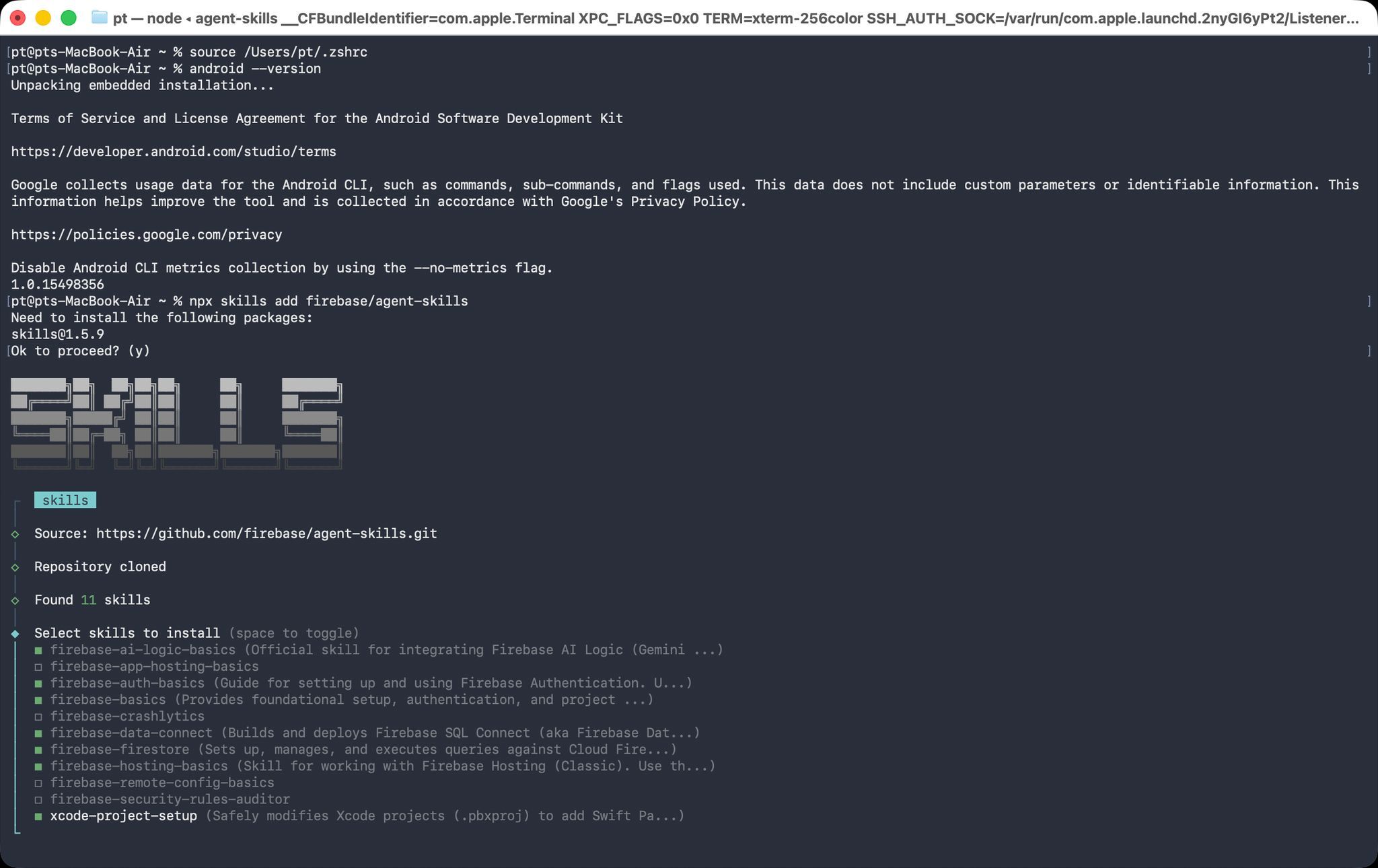
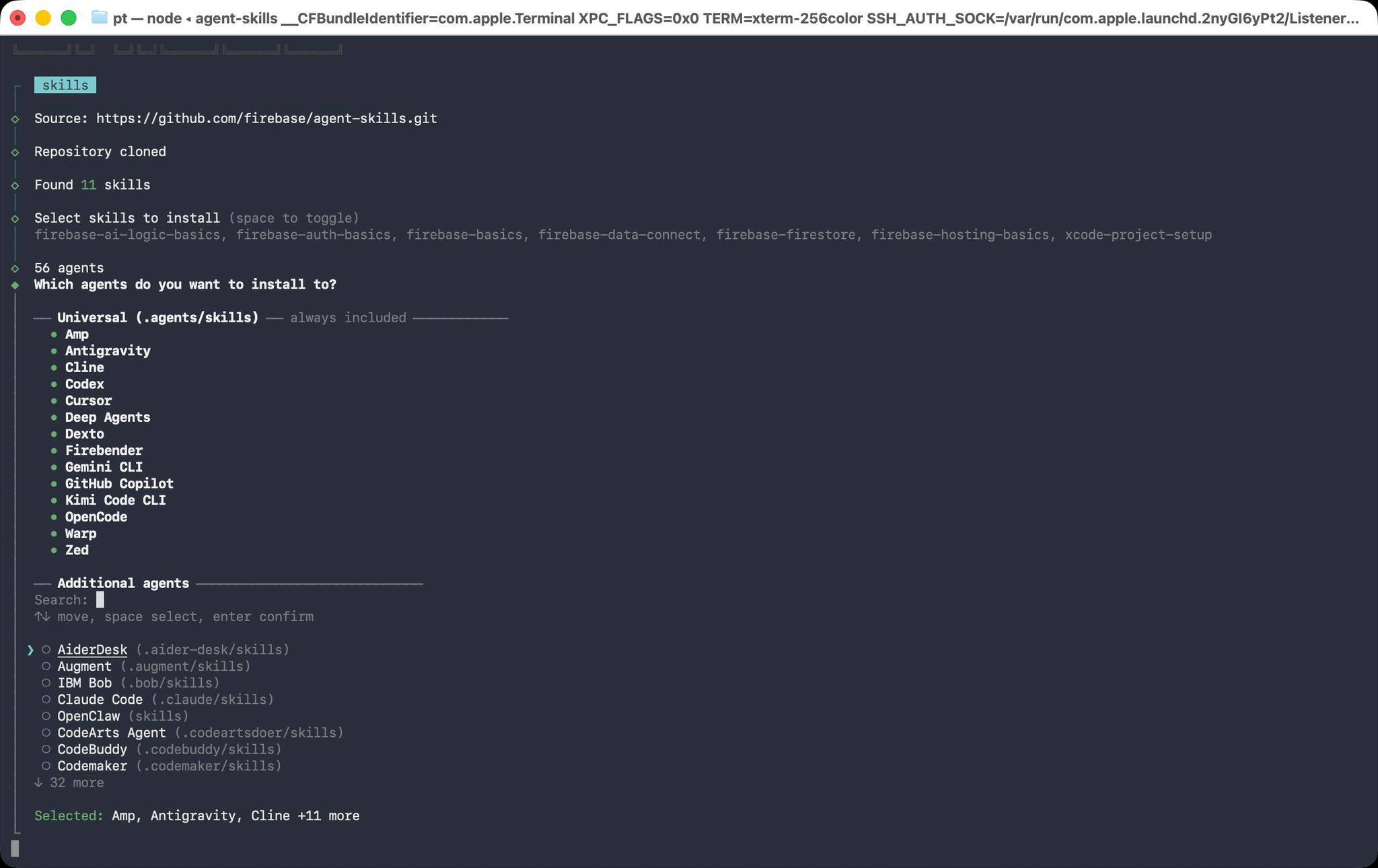
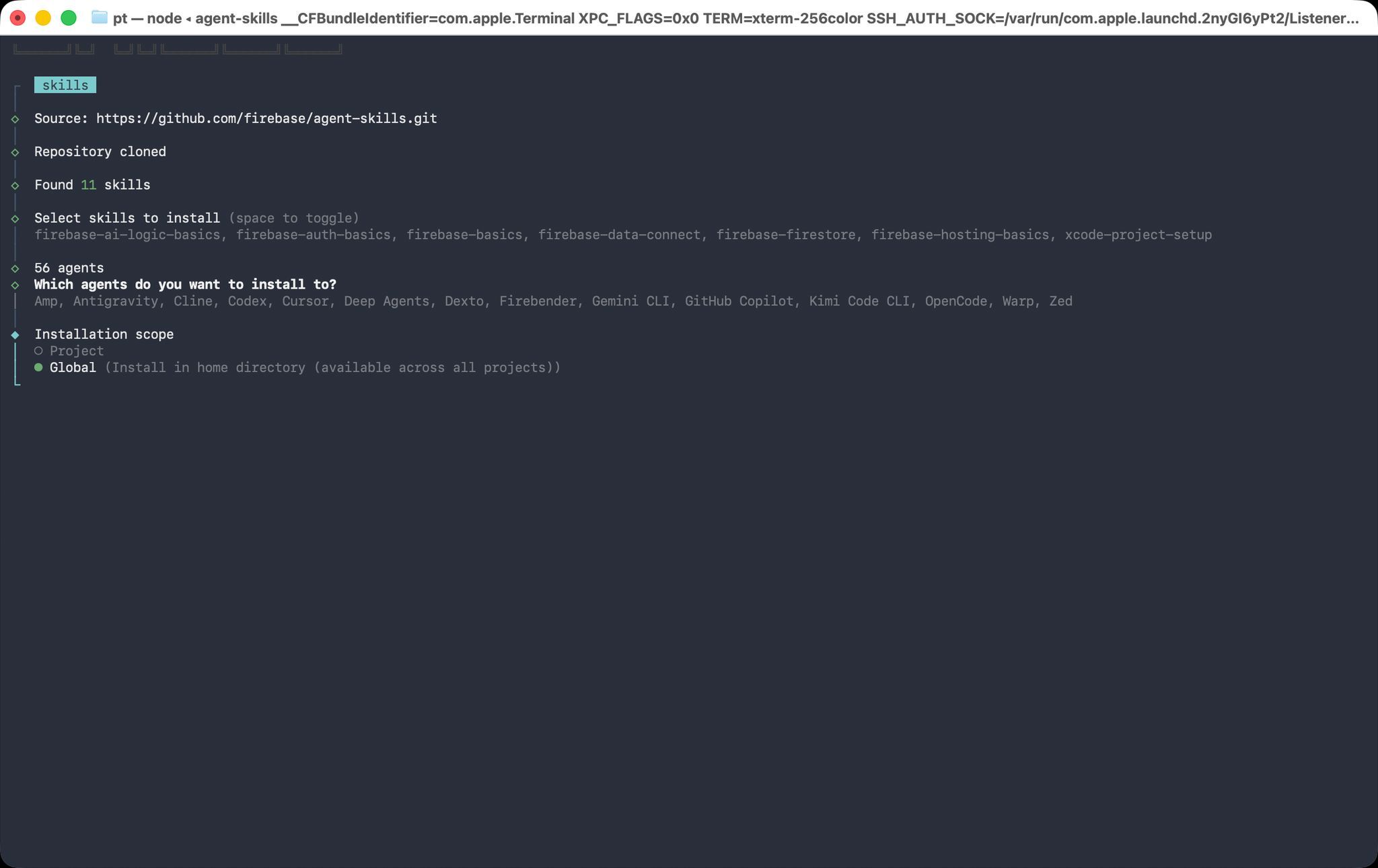
- ADK CLI: Set it up using
uv.
brew install uv
uvx google-agents-cli setup
Summary
With these configurations, your Mac is now fully equipped with Google Cloud and AI Agent development tools. In the next article, we will gradually explore how to develop AI Agents on Google Cloud. Stay tuned!